 FunCat
Quick answer: The best games for cats to play on a phone use high-contrast, prey-like targets — a darting laser dot, a scurrying mouse, or swimming fish. Lay the phone flat on the floor, start on a slow speed, and keep sessions to 5–10 minutes. FunCat includes four of these games free on iPhone.
Why cats love phone games
Cats are wired to notice small, fast, erratic movement — it's the visual signature of prey. A phone screen reproduces exactly that: a bright shape that darts, freezes, and darts again. Feline eyes are tuned to motion and contrast rather than fine detail, which is why a simple high-contrast dot gets a bigger reaction than a photorealistic image.
Screen play also solves a real problem for indoor cats: boredom. A few short hunting sessions a day give your cat the stalk-chase-pounce cycle they'd otherwise take out on your curtains. (If your cat is climbing the walls, our guide on how to entertain a bored cat pairs screen games with other enrichment.)
Which games do cats actually respond to?
After the novelty of "something moved!", cats stick with games that match their hunting style. FunCat ships with four free games so you can find your cat's type:
- 🔴 Laser Chase — for chasers. The classic red dot, darting unpredictably. Laser games guide →
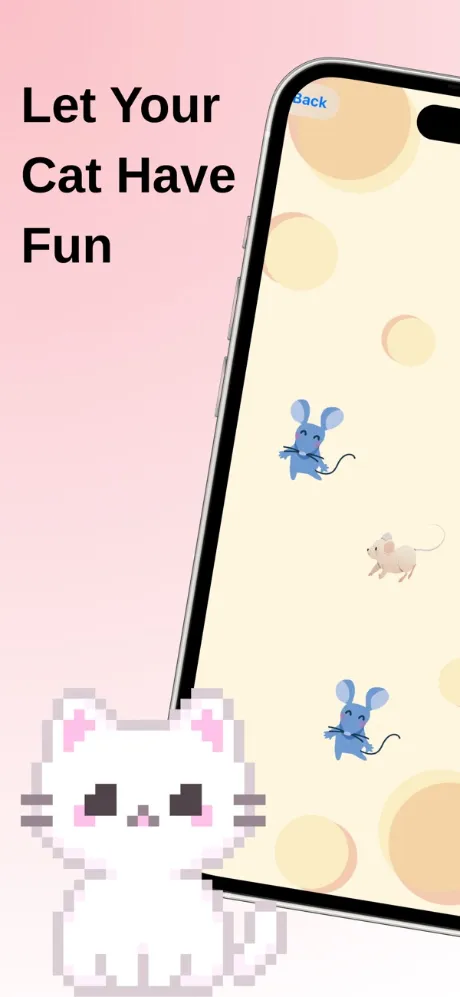
- 🐭 Mouse Hunt — for stalkers. A mouse scampers across a textured mat; cats crouch, wiggle, and pounce. Mouse games guide →
- 🐟 Fish Pond — for watchers. Calmer, gliding movement that mesmerizes gentle and senior cats. Fish games guide →
- 🟡 Classic Ball — for beginners. One high-contrast ball on a clean background — the easiest target to see and "catch."
How to set up your cat's first phone game
- Download FunCat free from the App Store — no account or setup needed.
- Pick Classic Ball or Laser Chase for the first session and set the speed to slow with one target.
- Put the phone flat on the floor or a bed. Cats hunt looking down at the ground — a phone held in your hand reads as "human thing," not "prey."
- Step back and stay quiet. Let your cat notice the movement themselves. Most cats orient within 30 seconds.
- Let them win. Every catch pops the target — real feedback matters. After 5–10 minutes, end the session with a treat or a physical toy so the hunt has a real-world payoff.
Troubleshooting: my cat isn't interested
Roughly one in five cats needs a warm-up. Try these in order: play at dawn or dusk when hunting instincts peak; switch to the highest-contrast game (Laser Chase on black); slow the target down — fast targets can read as "already escaped"; and drag a finger on the screen once or twice so your cat sees the "prey" react. If your cat watches intently but won't touch, that's still enrichment — watchers become pouncers over a few sessions.
Is it safe for my phone and my cat?
Paw taps won't hurt modern glass, and a $5 screen protector removes any worry about claws. For cats, screen play is safe in moderation — short sessions, supervised, always ending with a real reward. We cover the vet guidance in detail in Are cat games good for cats?